
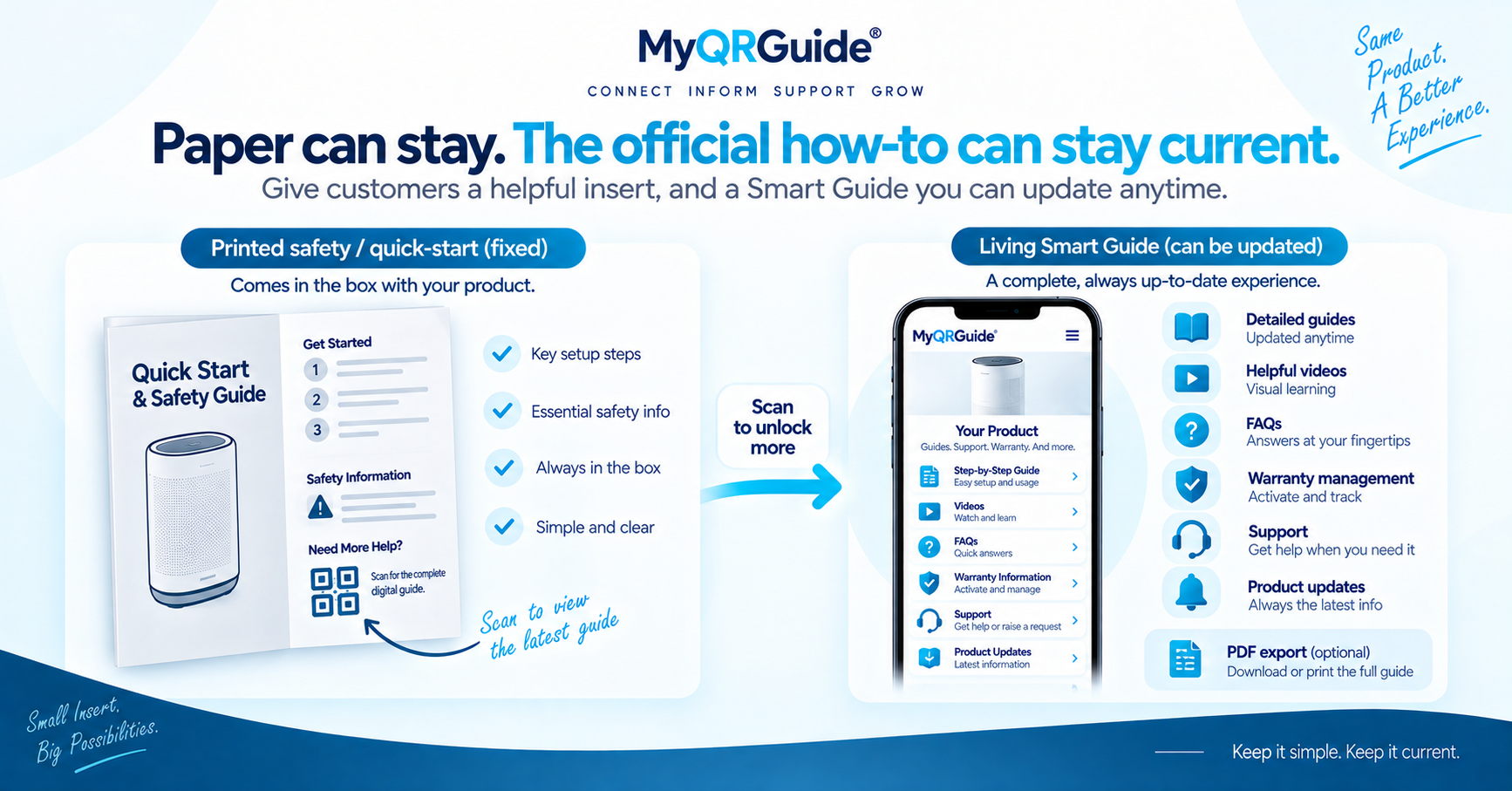
Units already in the field still scan the same Smart QR™. Keep that URL stable. Correct the live Smart Guide on the Product Experience. A printed insert already in the box will not change. That is the point of a living guide, not a reason to skip paper where a rule still requires it.
Compare formats in digital vs printed manuals. Explore Smart Guides: Digital Product Manuals and Smart Guides.
What you can change quietly
- Typos, broken links, missing photos, and clearer wording of the same procedure
- Extra languages you already support on that Mini Site
- A troubleshooting path that was missing, written from approved facts
What needs a visible version note
- Safety, voltage, torque, chemical, or age-restriction steps
- A part number, fuse rating, or “do not” that used to say the opposite
- Anything a technician or an insurer might treat as the official instruction
Do not silently rewrite a safety step. Add a short “Updated [date]: …” line at the top of that guide so the customer can see that the live page changed after their carton left the line. Have a qualified person review technical, safety, and legal wording before you publish either the first version or the correction.
Practical order
- Edit the HTML Smart Guide on the same Mini Site the QR already opens. Dashboard clicks: Add a Product Guide.
- Scan the printed code from a packed unit (or a retained sample) and confirm the new step is what loads.
- If you use an optional PDF export, regenerate it so the file is not an old snapshot. Do not point the QR only at that file.
- Leave Search & AI as it was unless you intend to change listing. Updating copy is not the same as opting a test site into public sitemaps.
Illustration
This is a worked example, not a recall notice and not legal advice.
Risky. The live page swaps “tighten by hand” for a torque figure with no date and no review. Cartons in stores still hold the old paper. Nobody can tell which instruction was official on the ship date.
Clear. The QR URL is unchanged. The Smart Guide shows the corrected step with an update line. Paper in the box is still the insert you shipped; digital is how you stop repeating the old error for everyone who scans next.
If the change is a new failure mode, add a section using the troubleshooting guide template rather than hiding it in a caption.