
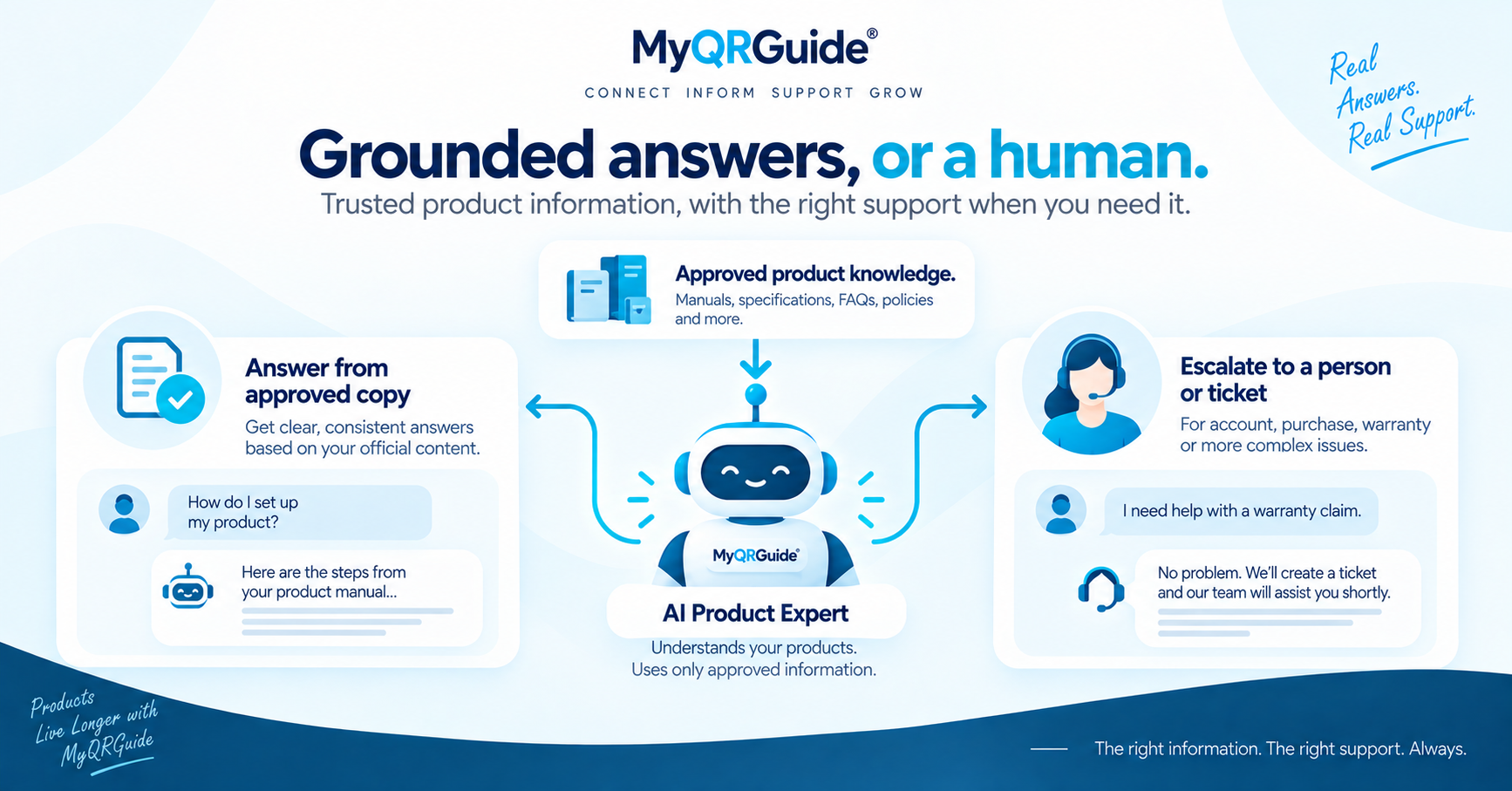
A troubleshooting guide is official product copy: symptom, safety, steps, and a route to a person. Write it in HTML on the Product Experience. Do not invent error codes, spare-part numbers, or medical claims. Point AI Product Expert™ at this approved text so answers stay inside what you published.
How answers should behave when the fact is missing is in AI customer support for physical products. Explore AI product support: AI Product Support and Live Service.
Template sections
Reuse these headings. Delete any section that does not apply. Do not leave placeholder Latin or “TBD” on a live Mini Site.
| Section | What to write |
|---|---|
| Symptom | What the customer sees or hears, in their words. One symptom per guide, or a short list with a jump to each. |
| What you need | Tools, spare parts, or a model/serial location — only items you actually sell or specify. |
| Safety first | Power off, unplug, wait for heat, keep children away — only rules a qualified person has approved. |
| Steps | Numbered actions. One action per step. Stop if a step requires a licensed technician. |
| If that fails | The next official check, or “stop and contact support.” Do not guess a workaround. |
| When to contact a person | Warranty, injury, smell of burning, or anything outside the published facts. Offer human support or a ticket on that Mini Site. |
Illustration
This is a labelled example, not a real SKU and not a support transcript.
Weak. “Error 14 — try resetting.” No meaning, no safety note, no next step if reset fails. An assistant that only has that line will invent a code explanation.
Usable. “The pump hums but no water flows. Unplug first. Check the inlet valve is open. If it still fails, stop and contact support from this page.” That sentence can be reused by a person or by AI Product Expert™.
Where it should live
- Publish the guide on the Mini Site in HTML. Dashboard clicks: Add a Product Guide.
- Link it from the first-use Smart Guide so a stuck customer does not hunt.
- When a step is wrong after ship, follow updating instructions after shipping — do not silently change a safety step.
AI answers can be incomplete or incorrect. If the official knowledge does not cover the question, say so and offer a person.