
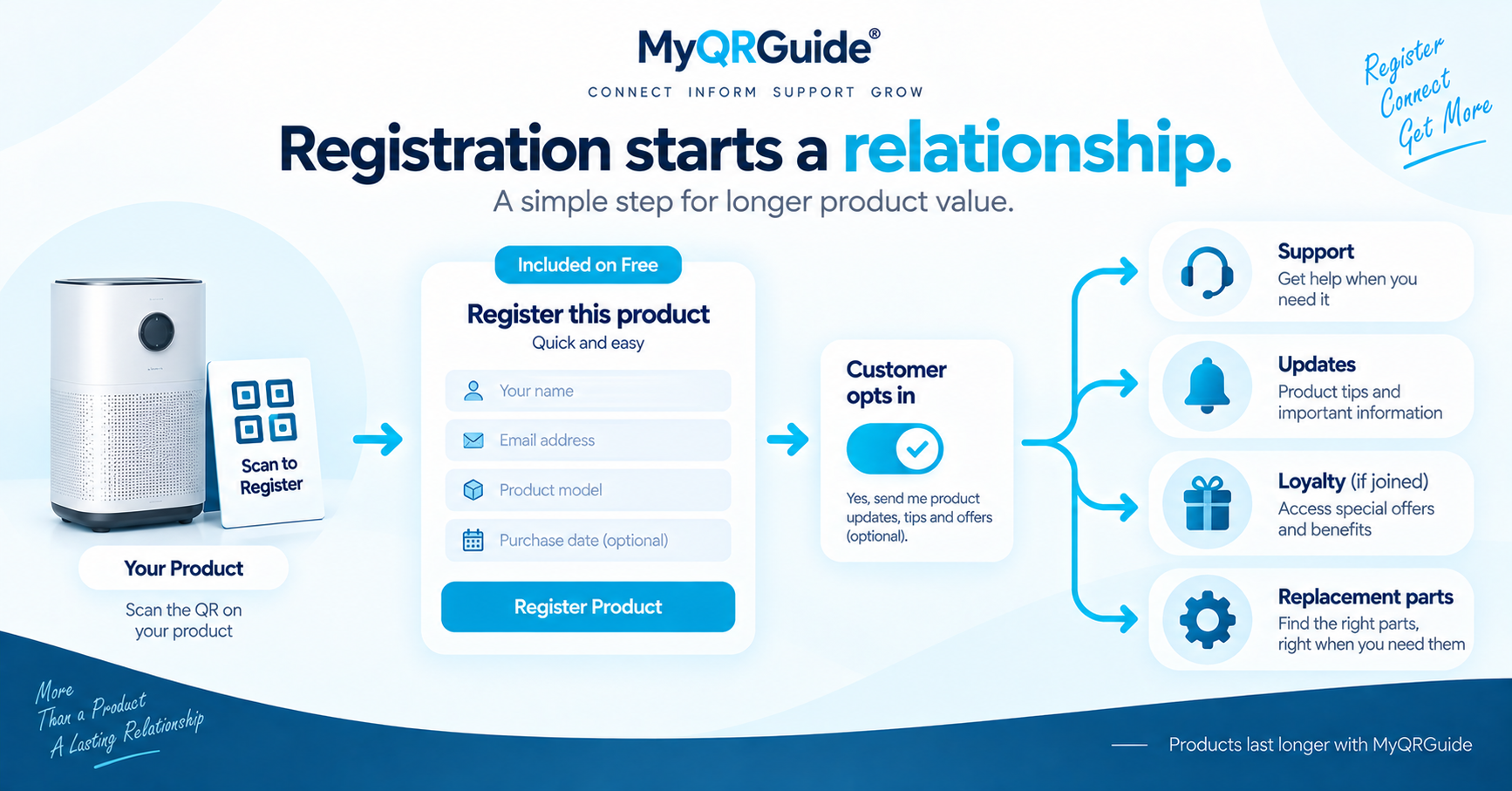
Warranty registration is often treated as a legal checkbox. For the customer it is usually the first time they tell the brand “I own this.” That is a relationship, not only a form.
On MyQRGuide, warranty registration is included on Free. Paid plans add other limits and tools; they are not required to turn warranty on. Current plan details stay on Pricing. Explore warranty registration: Product Warranty Registration and Management.
What a good registration does
- Confirms the product the customer actually has
- Gives the brand a consented channel for support and updates
- Opens club or loyalty only when the customer opts in
- Does not harvest marketplace account data the seller is not allowed to take
Where it should sit
After a Smart QR scan, registration should be one clear action on that Product Experience — not a scavenger hunt through PDFs.
- The customer can find “register warranty” without creating a seller account.
- The form asks only for what you need to honour the warranty.
- Submitted records stay private. They are not listed in public HTML, schema, or sitemaps.
- Marketing offers wait until the product is supported. See support first, then sell.
Illustration
This is a worked example, not a customer case study and not a conversion rate.
Weak. Warranty lives in a PDF inside the box. The customer emails a generic inbox. The brand cannot tell which SKU they own.
Clear. The scan opens the product page. Registering warranty is a labelled action there. The brand later sees that a registration happened for that Mini Site — not a marketplace buyer list.
Help with configuration: Warranty & Club Tools. Which fields to ask: warranty form fields.