
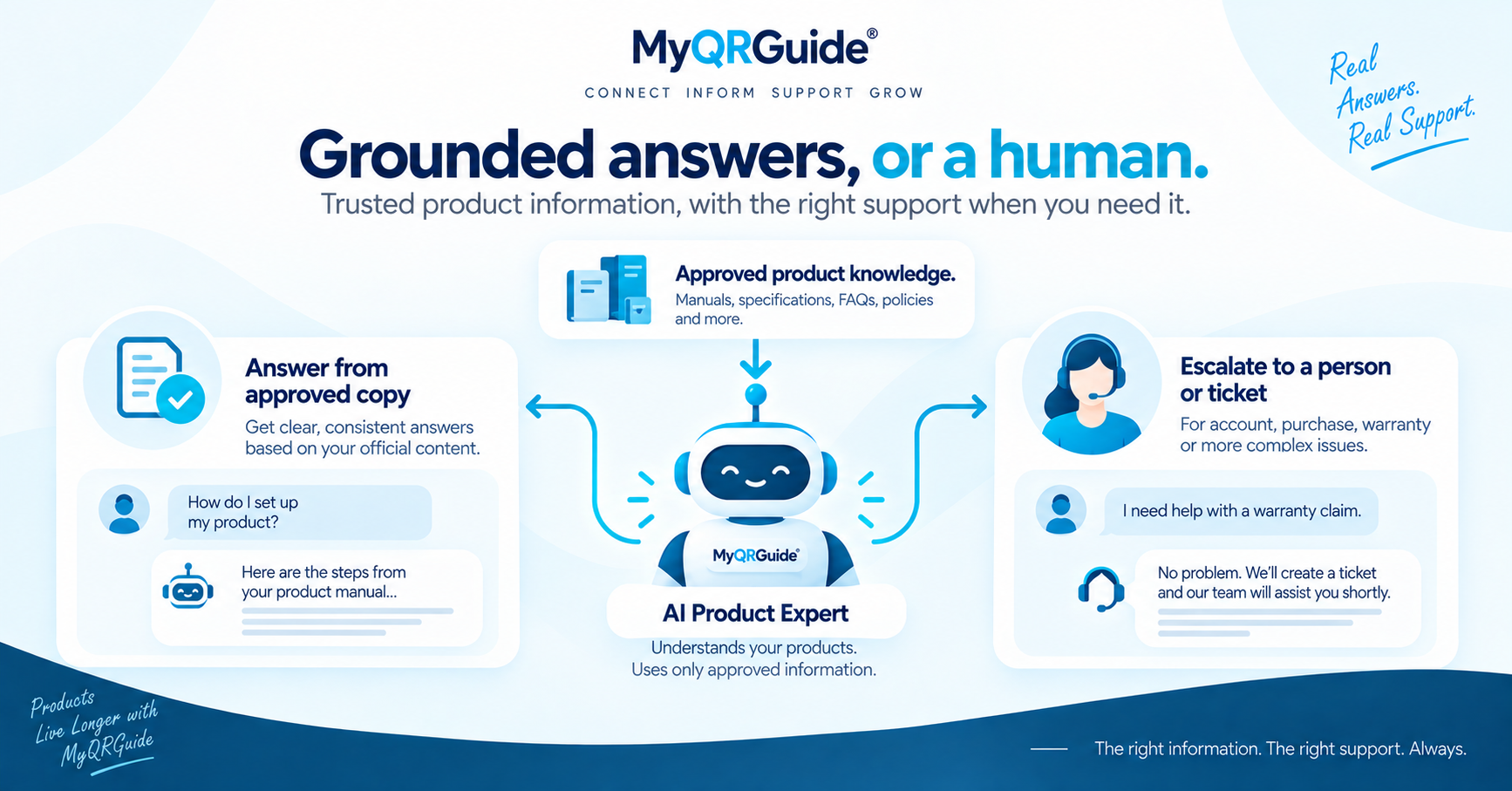
After a physical product is sold, customers still ask: how do I assemble this, is this noise normal, where is the spare part? AI Product Expert™ is MyQRGuide’s answer path that uses the brand’s approved product knowledge instead of a generic web guess.
That is different from promising the AI never makes a mistake. The useful rule is: answer from what the brand published; if the answer is not there, escalate to a person or a ticket. Explore AI product support: AI Product Support and Live Service.
Three kinds of answer
These are illustrations, not production transcripts and not accuracy scores.
| Situation | What the assistant should do |
|---|---|
| The brand published the step | Answer from the Smart Guide or reviewed FAQ on that Product Experience. Example: “To pair the remote, hold the button for three seconds” — only if that sentence is in the approved copy. |
| The question is outside the published facts | Say the official knowledge does not cover it. Do not invent a spare-part number or a medical/safety claim. |
| The customer still needs a person | Offer human support or a ticket on that Mini Site. AI answers can be incomplete or incorrect. |
Where the answer should live
- Smart Guides on the Product Mini Site
- Official specs and how-to copy the brand has reviewed
- Warranty and support policies that are actually in force
A Smart QR scan should open that product’s experience, then let the customer ask in context — not on a corporate homepage. How to publish clearer facts: make product information easier for AI to find. What to write into that Mini Site: packing list for AI support.
Setup tutorials are in the Help Center. Plans and token allowances are only on Pricing — Basic starts at 0 tokens; Silver and Premium include a starting allowance.